W
WordCloud.space

Turn Your Words Into Art

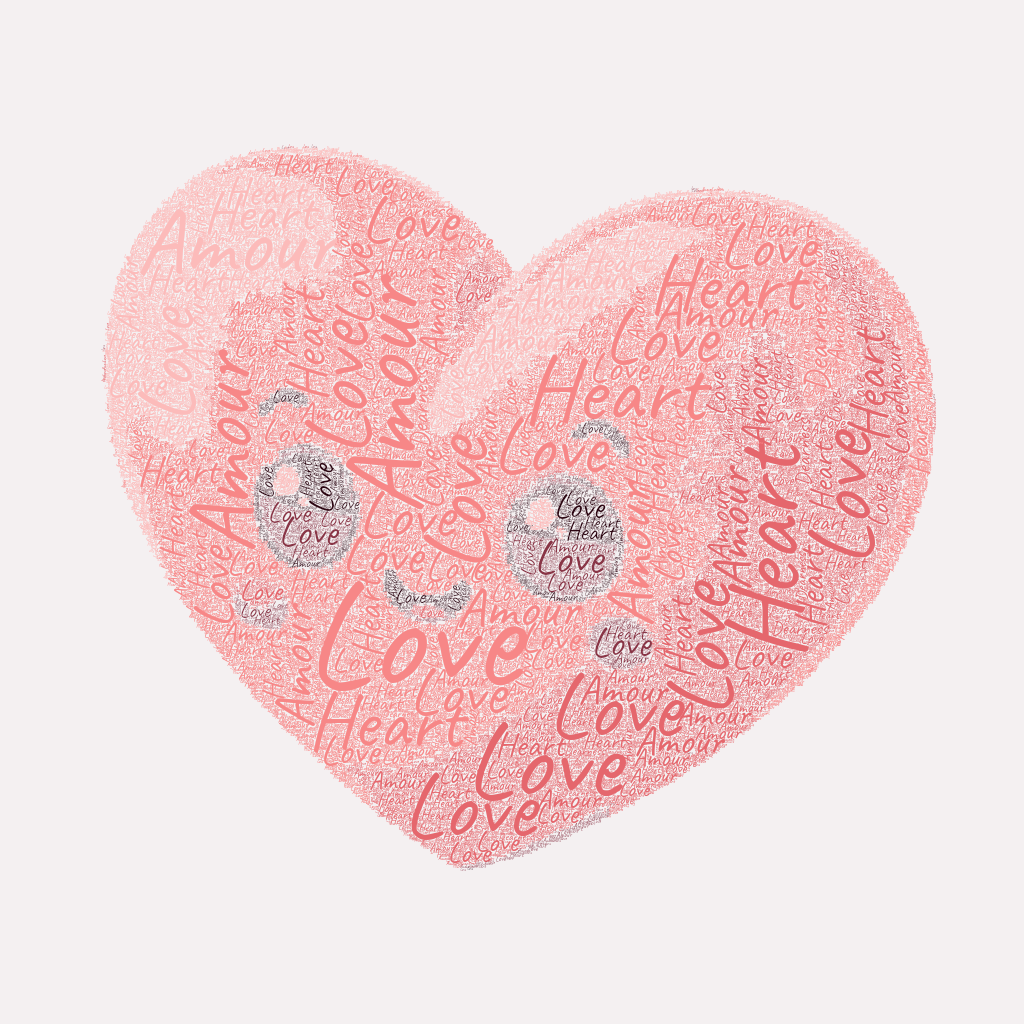
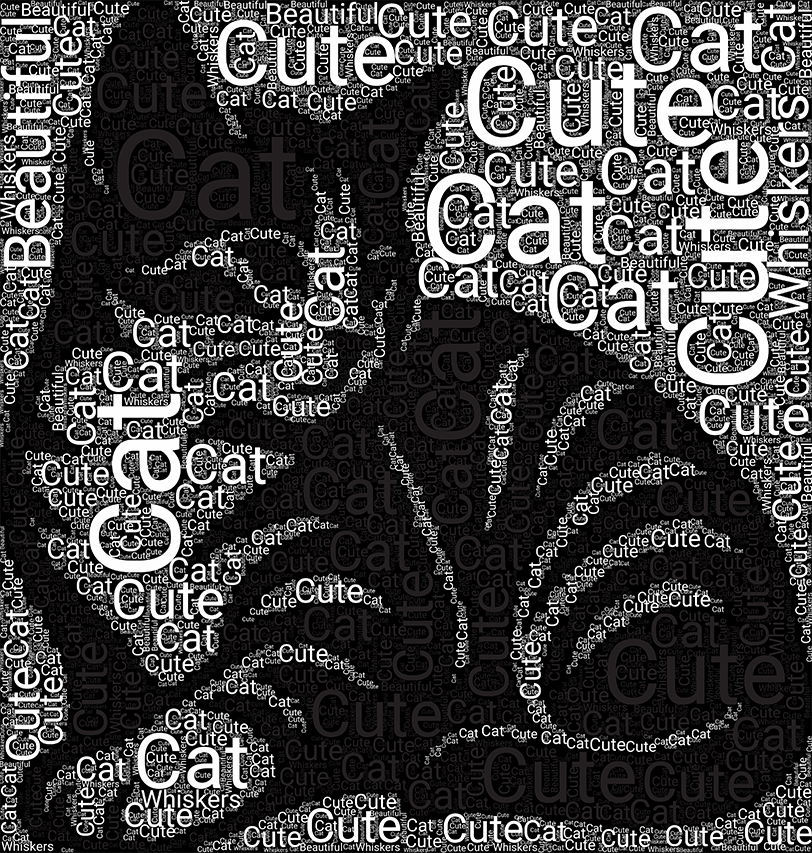
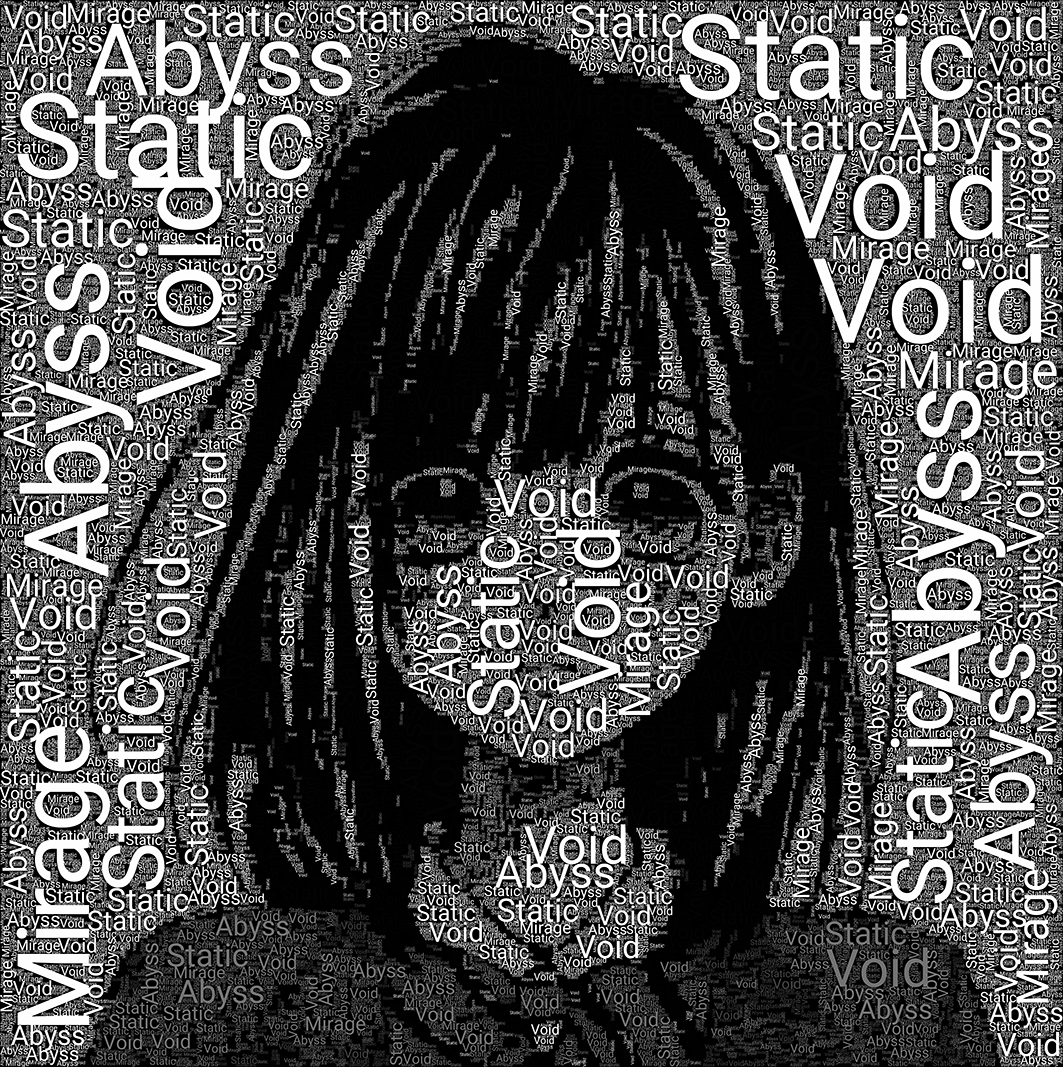
Easily transform your text, quotes, or ideas into beautiful visual layouts. Upload your own shapes, experiment with fonts and colors right in your browser, and export your design in high quality without any watermarks.

Word Cloud App Preview
Try it!

Why You’ll Love It

🔒

100% Private

Everything happens right on your device. We don’t store your text or images on our servers, ensuring your creative process remains completely private.

✂️

Custom Silhouettes

Want your text to form a specific shape? Upload any image, use our built-in background remover, and watch your words perfectly fill the contour.

High-Quality Exports

Ready to print or share? Download your design in scalable vector format (SVG) for perfect sharpness at any size, or as a high-res PNG.

🎨

Smart Color Extraction

The app can automatically extract a color palette from your uploaded image, ensuring your text perfectly matches the original vibe.

How It Works

A Canvas for Your Ideas

WordCloud.space is a straightforward tool designed to make text visualization easy and fun. Whether you are designing a poster, making a presentation, or just experimenting with typography, we’ve kept the interface clean and distraction-free.

Full Creative Control

  • Typography: Choose from a variety of fonts and easily adjust how big or small your text scales.
  • Word Emphasis: Take control of your layout. Highlight important words and adjust their visual weight to make them stand out.
  • Backgrounds: Set a solid color background, keep it transparent, or use an image overlay to set the right mood.

Your Work Stays Yours

Unlike many online tools, our generator processes everything locally in your web browser. This means zero uploads, zero wait times for server rendering, and absolute privacy for your personal text and images.

Frequently Asked Questions

Is there a word limit?
The canvas will pack in as many words as it can fit based on your sizing settings. While there is no strict limit, using more than 500 unique words might slow down the rendering slightly.
How do I create a custom shape?
1. Go to the "SHAPE" tab.
2. Upload an image with a clear silhouette.
3. Toggle "Remove White Background" and adjust the threshold slider to create the perfect cutout for your text.
Are there any watermarks or hidden fees?
Not at all. The tool is 100% free to use. All exports are generated in full resolution without any watermarks or premium subscriptions.